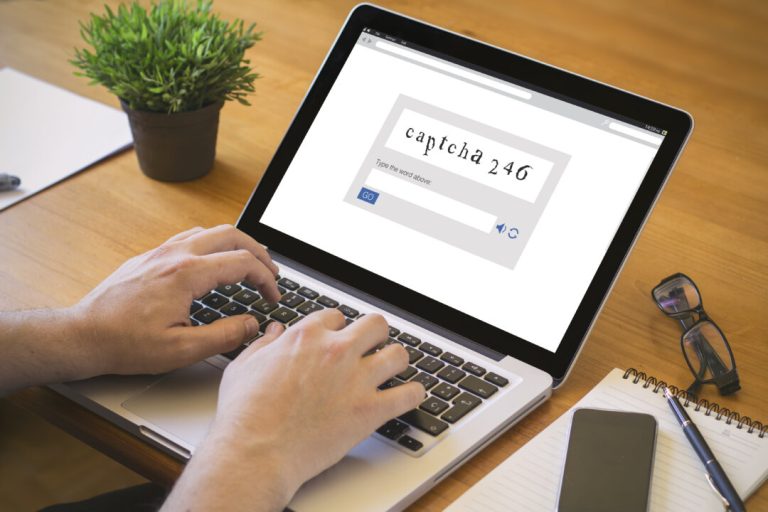
We’ve all clicked through hundreds if not thousands of CAPTCHA (Completely Automated Public Turing test to tell Computers and Humans Apart) boxes: pick the traffic lights, retype the wavy letters, or check the box that says you are not a robot. That familiarity is exactly what a new
scheme exploits.
In June, the FTC issued a consumer alert about fake CAPTCHA screens. They look like the real thing but ask for something no legitimate verification ever will: keyboard commands.
Falling for it means you’re exposed to malware on your computer. Here is how to spot it, and exactly what to do if you already fell for it.
Quick Answer: How Do You Know if a CAPTCHA Is Real?
Real CAPTCHAs only ask you to do things on the screen: click images, retype characters you see, or check a box. No real CAPTCHA will ever ask you to press keyboard shortcuts, open anything on your computer, or run a command. If a verification screen tells you to press a sequence like Windows + R, then Ctrl + V, then Enter, it is a scam, and those keystrokes install malware. Close the tab immediately. If you already followed the fake CAPTCHA instructions, disconnect the device from the internet and work through the recovery checklist below, starting with your banking
.
The Details: How the Scam Works
You land on a compromised or malicious website, perhaps after clicking a search result, an ad, or a link in an email. A verification box appears, often styled to look like the checkbox screens major websites use.
Instead of an image puzzle, it presents numbered “verification steps” telling you to press a few key combinations. The page has silently copied a hidden command to your clipboard.
Here is what those keystrokes actually do.
-
The first shortcut opens a small window on your computer that runs typed commands directly.
-
The second pastes the hidden command into it.
-
Pressing Enter executes it.
In three keystrokes, you have personally launched the scammer’s program.
researchers have tracked this technique, which they call ClickFix, since 2024, and the same paste-and-run trick now appears in fake browser errors and fake update prompts, too.
Once running, the malware moves fast. It harvests saved browser passwords, email logins, banking and brokerage credentials, and anything else it can reach.
Why Your Security Software Misses It
Antivirus tools are good at inspecting downloads. A malicious file arriving from the internet gets scanned, flagged, and often blocked before you can open it. This scam sidesteps that checkpoint because there is no suspicious download to intercept.
From your computer’s point of view, the owner sat down and typed a command, which is normal behavior it is built to allow. The attack targets your trust, not a software flaw, which is why recognizing the pattern matters more than any product you can install.
The best protection rule fits in one sentence: No real CAPTCHA will ever ask you to press keyboard shortcuts or run anything on your device.
If You Already Followed the Fake CAPTCHA Instructions
Don’t panic, and don’t waste time being embarrassed. This scam works on careful people, too. Work through these steps in order:
-
Disconnect the device from the internet. Turn off Wi-Fi or unplug the network cable. This cuts the malware’s connection to the scammers.
-
Use a different device for everything that follows. Your phone on cellular data works. The infected computer cannot be trusted yet.
-
Change your banking and financial passwords first. Bank accounts, credit cards, brokerage and retirement accounts. Money-moving credentials are what these criminals monetize fastest. Turn on two-factor authentication as you go.
-
Then change your email password. Your email can reset every other account, so it is the master key. Follow with any account that shared a password with a compromised one.
-
Run a full security scan on the infected computer with updated antivirus software and remove whatever it finds. If you are not confident the machine is clean, a professional cleanup or a full reset is reasonable.
-
Call your bank’s fraud department and watch your statements. If you believe credentials were stolen, consider a credit freeze with the three bureaus.
-
Report it at ReportFraud.ftc.gov. Reports are how the FTC tracks and warns about these schemes.
The Conversation Worth Having
This scam spreads because the fake screens look ordinary and the instructions sound official.
There’s no need to explain clipboards or malware to your spouse, your parents, or your adult kids. Again, you only need one sentence: If a “prove you’re human” box ever tells you to press keyboard keys, it is a scam, so close the tab.
It takes ten seconds to explain, so spread the word.
FAQs About the Fake CAPTCHA Scam
I Pressed the Keys but Nothing Seemed to Happen. Am I Safe?
Assume no. This malware is designed to run invisibly, so a blank moment or a briefly flashing window is consistent with a successful infection, not a failed one. Follow the full recovery checklist: Disconnect the device, change financial and email passwords from a separate device, run a complete security scan, and monitor your accounts. A few careful hours now beats discovering drained accounts later.
Why Didn’t My Antivirus Stop It?
Because there was nothing for it to intercept. Antivirus software concentrates on files arriving from the internet, and this scam never downloads one in the usual way. Instead, your own keystrokes execute a command, which your computer treats as a normal action by its owner. Good security software still matters and may catch the malware afterward during a scan, but the primary defense here is recognizing that no real CAPTCHA asks for keystrokes.
Does This Scam Affect Macs and Phones?
The most common version targets Windows computers, since the instructions rely on Windows shortcuts. But researchers have documented variants aimed at Mac users with commands adapted for that system, and the underlying trick travels well.
are less exposed to this exact sequence, though tapping the link can still lead somewhere harmful. The rule is universal: Any verification screen instructing you to run or paste something is malicious.
Where Do I Report a Fake CAPTCHA?
Report it to the Federal Trade Commission at
, which feeds the database investigators and consumer-warning teams use. If money was stolen, also contact your bank’s fraud department immediately and file a complaint with the FBI’s Internet Crime Complaint Center at
. If your Social Security number or identity may be exposed,
walks you through a personalized recovery plan.
The Epoch Times copyright © 2026. The views and opinions expressed are those of the authors. They are meant for general informational purposes only and should not be construed or interpreted as a recommendation or solicitation. The Epoch Times does not provide investment, tax, legal, financial planning, estate planning, or any other personal finance advice. The Epoch Times holds no liability for the accuracy or timeliness of the information provided.